Squishy Games

Collection of 24 apps

Device: Interactive floor · Interactive wall · Interactive table · PC Workstation · Touchless screen · Interactive board Control method: Gamepads App categories: sport and fun · special educational needs · board and strategy games

License for 1 seat with 1-year access

License for 1 seat with 3-year access

License for 1 seat without time limits

Prices for: United States · USD Change

We reply to inquiries within 1 business day — you will receive the quote by e-mail.


Want to buy online right away? It only requires an account: log in or sign up

Online payments: payment card or PayPal. E-mail and quote orders can also be paid by bank transfer. See more information on how to order Motioncube applications.
Icon

Big emotions, short and positive play.

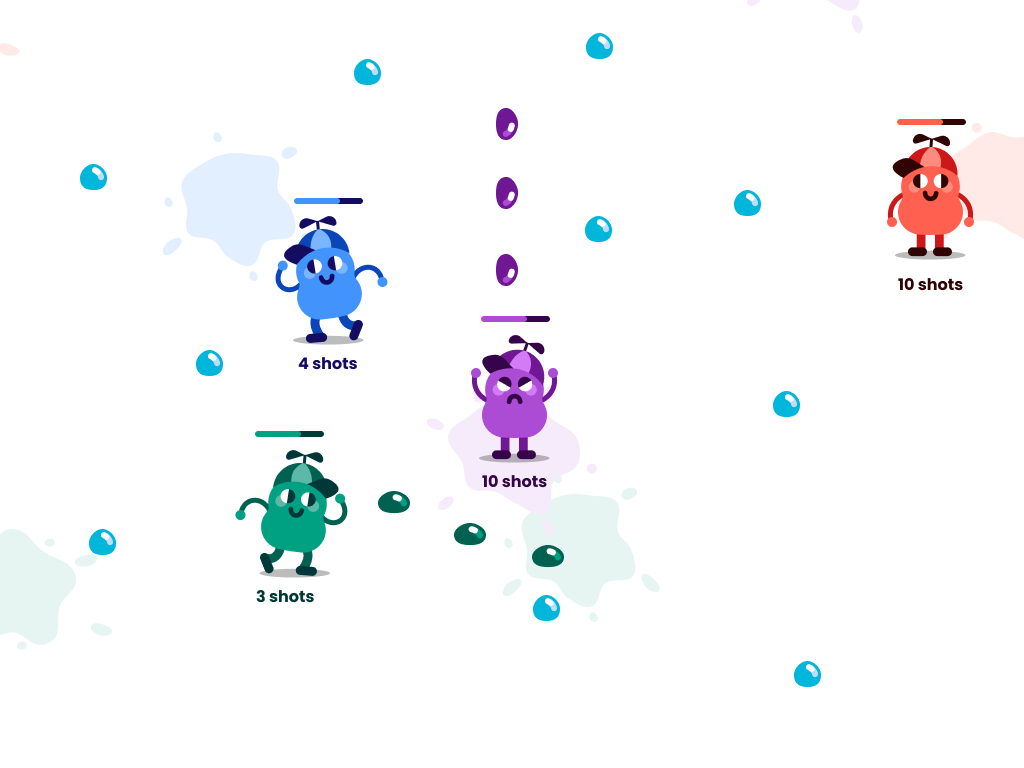
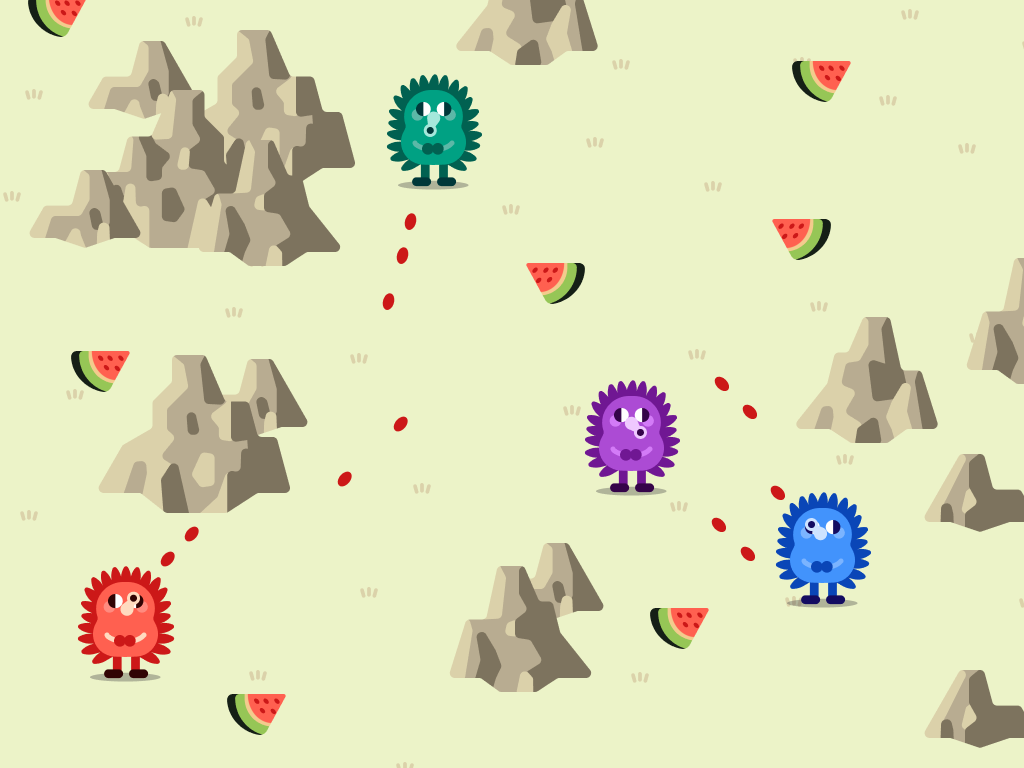
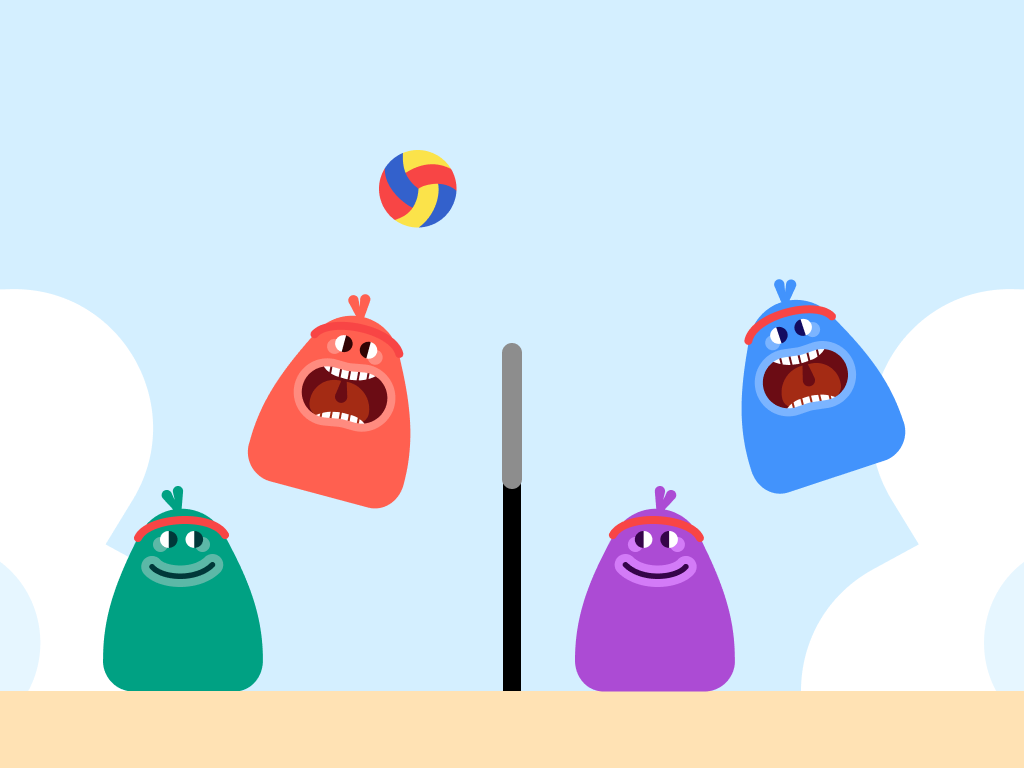
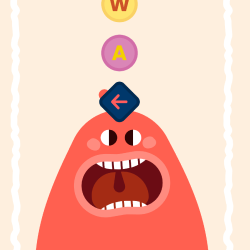
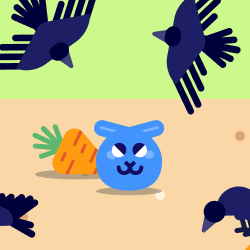
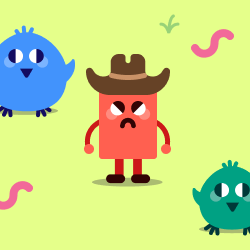
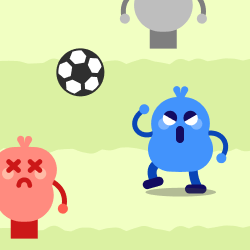
The games were created by active players and fans of great entertainment, just for you. Clever mechanics, carefully tuned animations and memorable squishy characters turn screen time into active play - building dexterity and memory, encouraging fair competition and teamwork, while keeping play sessions short and light-hearted.

Squishy Games باختصار

MULTIPLAYER FUN

2–4 players

WHO IT’S FOR

Kids 7–12 years old, teens, families

CONTROL

Gamepads

NUMBER OF GAMES

24 mini-games

What kind of fun is Squishy Games?

CHARACTERS

CHARACTERS

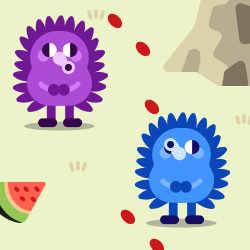
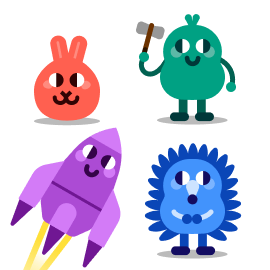
4 Squishlies - one per player

GAME FEEL

GAME FEEL

Cute, silly, and fast-paced

GAME TYPE

GAME TYPE

Mini-games on one board, friendly competition

GAME CHALLENGE

GAME CHALLENGE

Reflexes & logic - and try not to laugh ;)

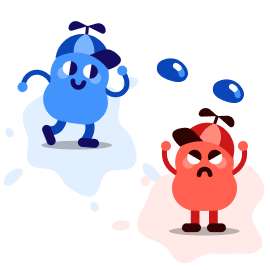
Meet the heroes of Squishy Games

Which character do you want to play?
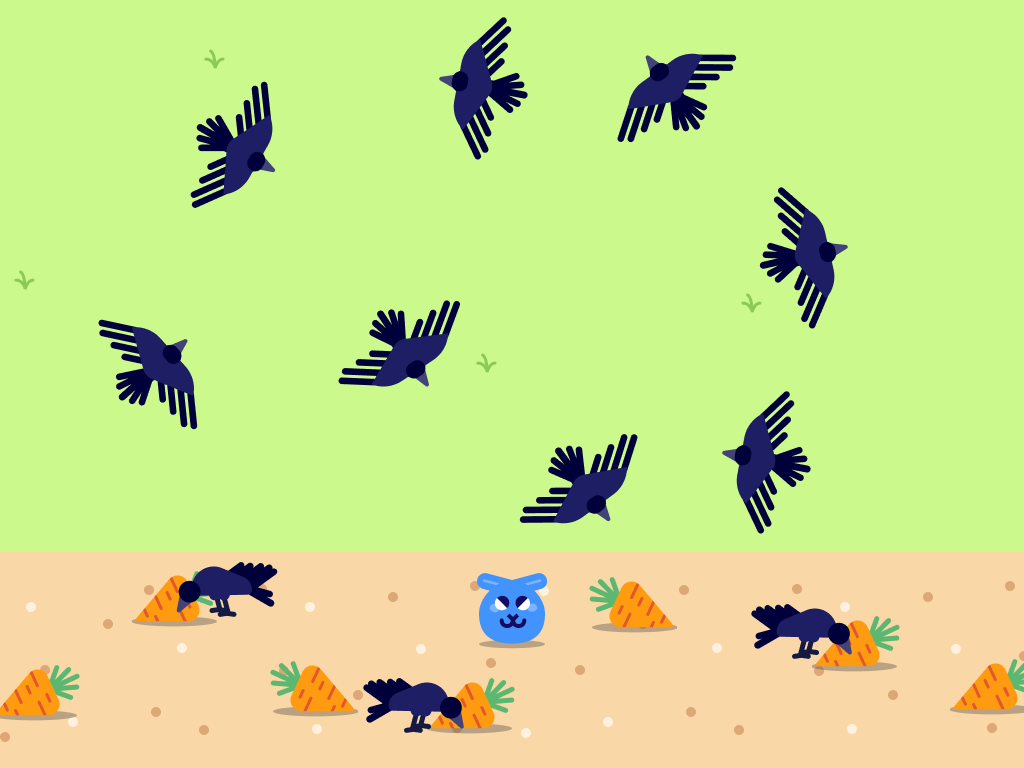
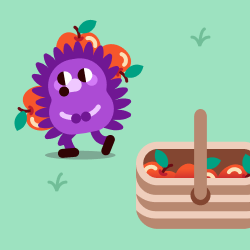
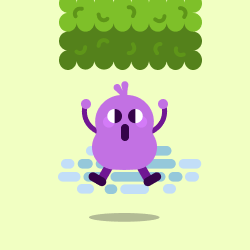
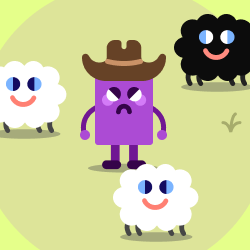
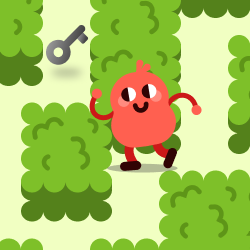
Fast-paced action, short gameplay and lots of excitement. The heroes of these games are four friends who, although they like to compete with each other and play pranks on each other, treat it as fun, during which everyone have a great time.

What you should know as a parent or teacher

More and more adults are looking for games that are genuinely fun for children, but don’t repeat the problems of large online platforms. Squishy Games was created with safe, controlled play in mind – something you can confidently introduce at home, in school or in a play space. Below are the main reasons why this pack can be a good alternative to classic online platform games.

No chat, no contact with strangers and no adverts – children only play with people who are physically in the same room. No internet connection is required.
Game rounds are short and clearly defined - on a single game board and within a limited time - which makes it easier to set rules and time limits, without endless “just one more level” or “just one more minute”.
The games contain no brutality or jump scares. The characters are cartoon-like and squishy, and the content is designed for children and younger teens.
Play requires reactions, reflexes and coordination, instead of long, passive staring at a screen.
Games develop reflexes, coordination, observation, decision-making, and teamwork in a playful way, without a scientific tone or supervision. Children develop skills themselves through play.
Children and adults play side by side, on a shared screen. It becomes a shared experience that promotes relationships and awareness of one's own and others' emotions instead of isolating each child in their own 'virtual world'.

Squishy Games - a safe alternative to online platforms

If you’d like to take a closer look at how Squishy Games compares to large online platforms, and why it can be a safer alternative to them, have a look at our blog article - we encourage you to read it before choosing the next games for your children or family.

Read on the blog

How to play Squishy Games?

Team Play

Team Play

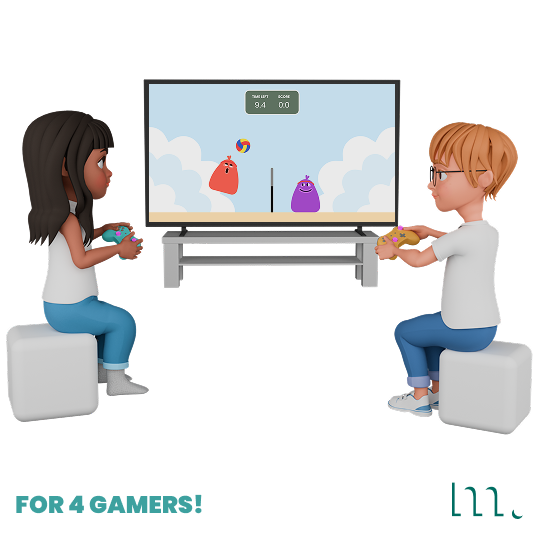
Sit and play together (2-4 players)

Use gamepads

Use gamepads

Use Xbox/PC gamepads to control the game interface and in-game characters

On the common screen

On the common screen

Share the game on the screen, interactive board or display it on the wall

On one floor

On one floor

Display the games on the floor via a projector

How do I run a game on the screen?

In Motioncube Player, go to My Library > Collections or Applications and launch your chosen game. All you need is your gamepad to control the game interface.

  • Install Motioncube Player Lite on your PC, which will allow you to download and run games.
  • Create a free Motioncube account at motioncube.io or in Player.
  • In the Player, select App Store and log in to your account.
  • Download "Squishy Games" - the demo version is free.
  • Connect 2-4 gamepads to your PC and launch the selected game.

Included applications

24 interactive applications included

Why choose Squishy Games

  • It’s one thoughtful collection. A set of 24 games designed by one team, taking care of the gameplay, visuals and overall user experience as a whole.
  • It creates a safe shared play space. Everyone plays together on one screen, side by side. Children can see each other, talk, give tips and laugh together - without chat, strangers or online distractions.
  • It brings people together. The games integrate the group, build excitement and naturally lead to lots of laughter.
  • You spend active time together. Perfect for home, clubs, playrooms or break times - instead of everyone disappearing into their own screen.
  • It’s fun with real benefits. Alongside the fun, players practise skills such as reflexes, coordination, thinking and decision-making.
  • Good for mixed age groups. Works well for peers, friends and whole families - children, teens, parents and even grandparents can join in.
Why choose Squishy Games

Try it with friends.

Shared screen, instant fun.