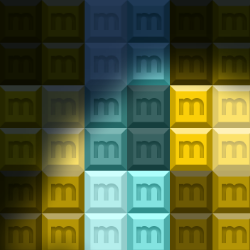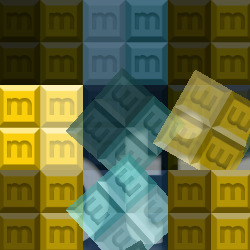
Foot movement interaction
on the floor surface
0,00 USD VAT incl. 0%
Na dopyty odpovedáme do 1 pracovného dňa — ponuku dostanete e-mailom.
Chcete nakúpiť online hneď? Stačí účet: prihláste sa alebo sa zaregistrujte
Online platby: platobná karta alebo PayPal. Objednávky e-mailom a na základe ponuky možno uhradiť aj bankovým prevodom. Ďalšie informácie o objednávaní aplikácií Motioncube.
Aby sme vyhoveli potrebám interaktívnych agentúr a multimediálnych integrátorov, pripravili sme sadu testovacích aplikácií na stiahnutie zadarmo.
S ich pomocou si môžete skontrolovať svoju hardvérovú konfiguráciu a zvoliť optimálne prevádzkové parametre program Motioncube Player.
Tento balík vám umožňuje rýchlo sa zoznámiť s možnosťami softvéru Motioncube a samotnými aplikáciami, ako aj so šablónami.
Poskytujeme tento test balík bez vyskakovacích reklám a bez obmedzeného času hry.


on the floor surface
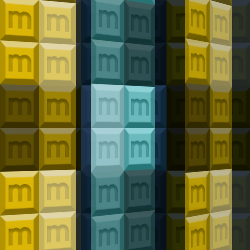
on the table and wall surfaces

on the wall surface
with your hardware setup
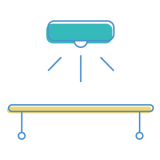
with your hardware setup

with your hardware setup

14 vrátane interaktívnych aplikácií
Control which external services can process your data.
These features are essential for the proper functioning of the website and cannot be disabled.
Required for collecting aggregated statistics that help us understand how users interact with our site. Data is fully anonymous, contains no personal information, and we do not use cookies.
Allows analyzing traffic sources (where you came from), marketing campaign parameters (UTM), and navigation paths across subdomains. We use a cookie (7 days) to preserve this data.
Allows loading content from external services like YouTube or Vimeo.