Foot movement interaction
on the floor surface
0,00 $US TVA incluse 0%
Nous répondons aux demandes sous 1 jour ouvré — vous recevrez le devis par e-mail.
Vous voulez acheter en ligne tout de suite ? Il suffit d’un compte : connectez-vous ou créez un compte
Paiements en ligne : carte bancaire ou PayPal. Les commandes par e-mail et sur devis peuvent aussi être réglées par virement. En savoir plus sur la commande des applications Motioncube.
Pour répondre aux besoins des agences interactives et des intégrateurs multimédia, nous avons préparé un ensemble d'applications de test en téléchargement gratuit.
Avec leur aide, vous pourrez vérifier la configuration de votre matériel et sélectionner le fonctionnement optimal. paramètres du programme Motioncube Player.
Ce package vous permet de vous familiariser rapidement avec les capacités du logiciel Motioncube et des applications et modèles eux-mêmes.
Le package de test est disponible sans annonces pop-up et sans limite de temps de jeu.



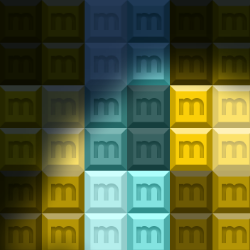
on the floor surface

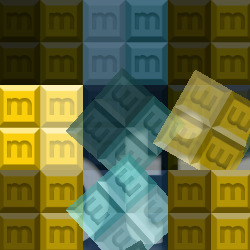
on the table and wall surfaces

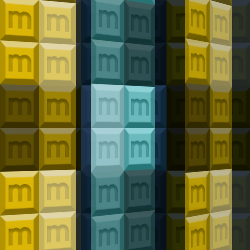
on the wall surface

with your hardware setup
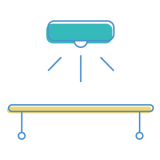
with your hardware setup

with your hardware setup

14 applications interactives dans le pack
Contrôlez quels services externes peuvent traiter vos données.
Ces fonctionnalités sont indispensables au bon fonctionnement du site et ne peuvent pas être désactivées.
Nécessaire pour collecter des statistiques agrégées qui aident à comprendre comment les utilisateurs utilisent notre site. Les données sont entièrement anonymes, ne contiennent aucune information personnelle et nous n'utilisons pas de cookies.
Permet d'analyser les sources de trafic (d'où vous êtes arrivé sur le site), les paramètres des campagnes marketing (UTM) et les parcours de navigation entre sous-domaines. Nous utilisons un cookie (7 jours) pour conserver ces données.
Permet le chargement de contenus provenant de services externes tels que YouTube ou Vimeo.