Foot movement interaction
on the floor surface
0,00 $ inkl. MwSt. 0%
Anfragen beantworten wir innerhalb von 1 Werktag — das Angebot erhalten Sie per E-Mail.
Möchten Sie sofort online kaufen? Dazu genügt ein Konto: anmelden oder registrieren
Online-Zahlungen: Zahlungskarte oder PayPal. Bestellungen per E-Mail oder Angebot können auch per Banküberweisung bezahlt werden. Weitere Informationen zur Bestellung von Motioncube-Anwendungen.
Um den Bedürfnissen interaktiver Agenturen und Multimedia-Integratoren gerecht zu werden, haben wir eine Reihe von Testanwendungen zum kostenlosen Download vorbereitet.
Mit ihrer Hilfe können Sie Ihre Hardwarekonfiguration überprüfen und die optimalen Betriebsparameter auswählen das Motioncube Player-Programm.
Mit diesem Paket können Sie sich schnell mit den Funktionen der Motioncube-Software und den Anwendungen selbst sowie den Vorlagen vertraut machen.
Diesen Test bieten wir an Paket ohne Pop-up-Werbung und ohne begrenzte Spielzeit.

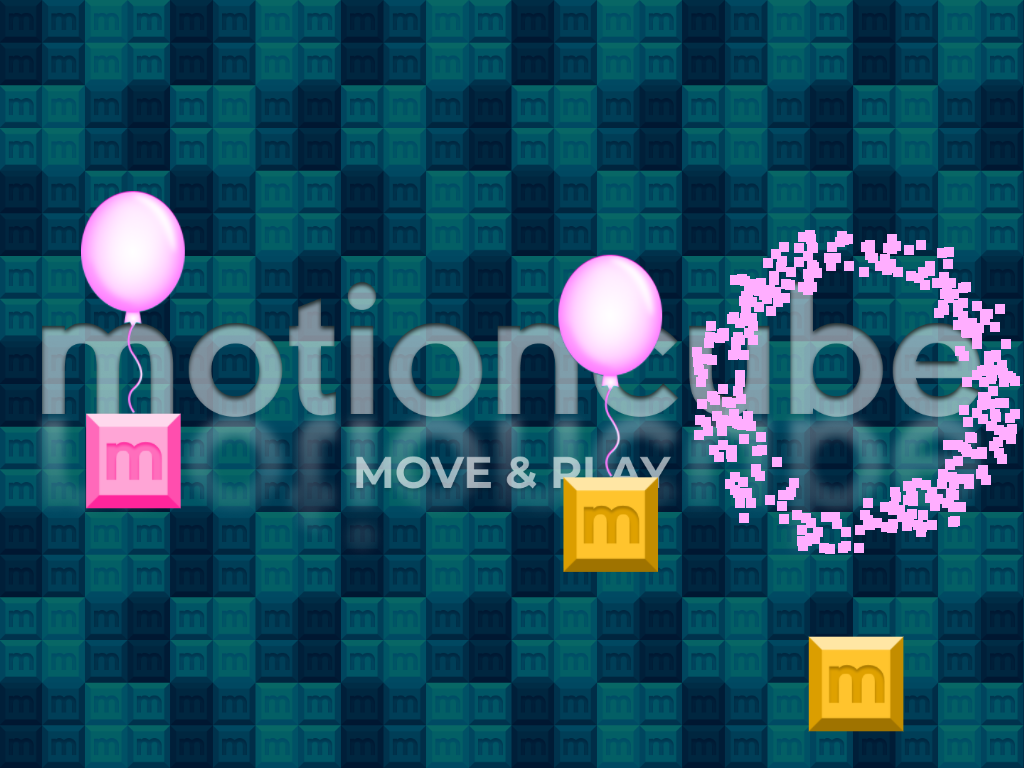

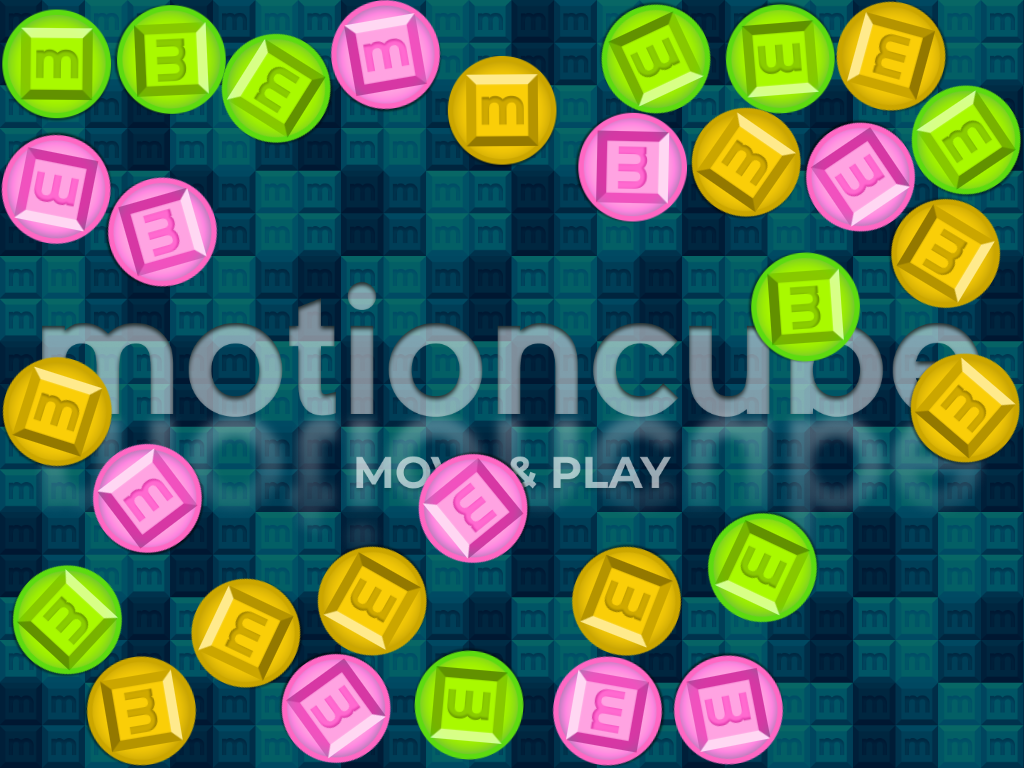
on the floor surface

on the table and wall surfaces

on the wall surface

with your hardware setup
with your hardware setup

with your hardware setup

14 interaktive Apps im Paket
Legen Sie fest, welche externen Dienste Ihre Daten verarbeiten dürfen.
Diese Funktionen sind für den ordnungsgemäßen Betrieb der Website unerlässlich und können nicht deaktiviert werden.
Erforderlich zur Erfassung aggregierter Statistiken, die helfen zu verstehen, wie Benutzer unsere Website nutzen. Die Daten sind vollständig anonym, enthalten keine personenbezogenen Informationen und wir verwenden keine Cookies.
Ermöglicht die Analyse von Traffic-Quellen (woher Sie auf die Seite gekommen sind), Marketingkampagnen-Parametern (UTM) und Navigationspfaden zwischen Subdomains. Wir verwenden ein Cookie (7 Tage) zur Speicherung dieser Daten.
Ermöglicht das Laden von Inhalten aus externen Diensten wie YouTube oder Vimeo.