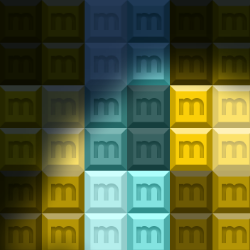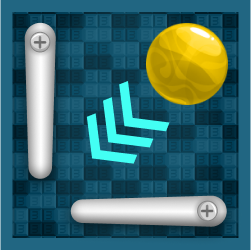
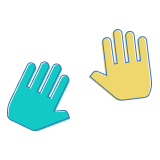
Foot movement interaction
on the floor surface
0,00 US$ s DPH 0%
Na poptávky odpovídáme do 1 pracovního dne — nabídku obdržíte e-mailem.
Chcete nakoupit online hned? Stačí účet: přihlaste se nebo se zaregistrujte
Online platby: platební karta nebo PayPal. Objednávky e-mailem a na základě nabídky lze uhradit i bankovním převodem. Další informace o objednávání aplikací Motioncube.
Pro potřeby interaktivních agentur a multimediálních integrátorů jsme připravili sadu testovacích aplikací ke stažení zdarma.
S jejich pomocí si můžete zkontrolovat konfiguraci hardwaru a vybrat optimální provozní parametry program Motioncube Player.
Tento balíček vám umožní rychle se seznámit s možnostmi jak softwaru Motioncube, tak samotných aplikací a také šablon.
Poskytujeme tento test balíček bez vyskakovacích reklam a bez omezené herní doby.

on the floor surface
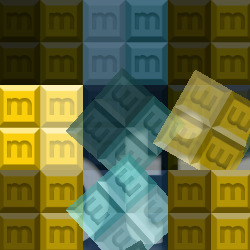
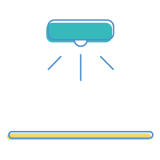
on the table and wall surfaces

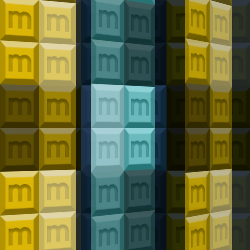
on the wall surface
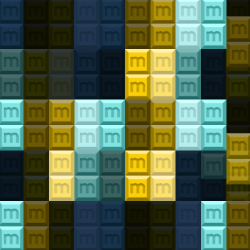
with your hardware setup
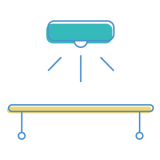
with your hardware setup

with your hardware setup

14 interaktivních aplikací v balíčku
Kontrolujte, které externí služby mohou zpracovávat vaše údaje.
Tyto funkce jsou nezbytné pro správné fungování stránky a nelze je vypnout.
Nezbytná pro shromažčování souhrnných statistik, které pomáhají pochopit, jak uživatelé používají naši stránku. Data jsou plně anonymní, neobsahují žádné osobní informace a nepoužíváme soubory cookies.
Umožňuje analyzovat zdroje návštěvnosti (odkud jste přišli na stránku), parametry marketingových kampaní (UTM) a navigační cesty mezi subdoménami. Používáme cookie (7 dní) k uchování těchto dat.
Umožňuje načtání obsahu z externích služeb jako YouTube nebo Vimeo.